Skip to product information


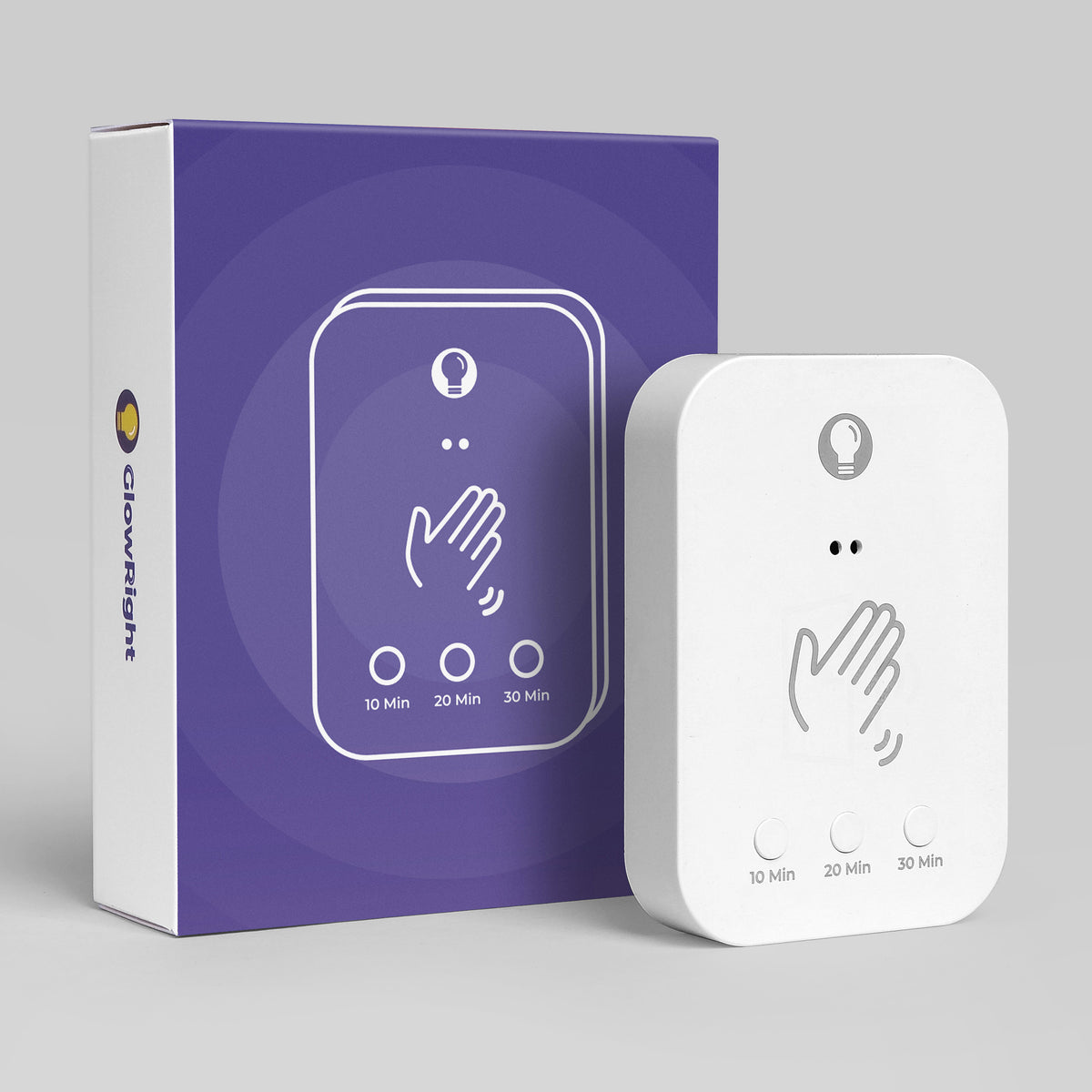
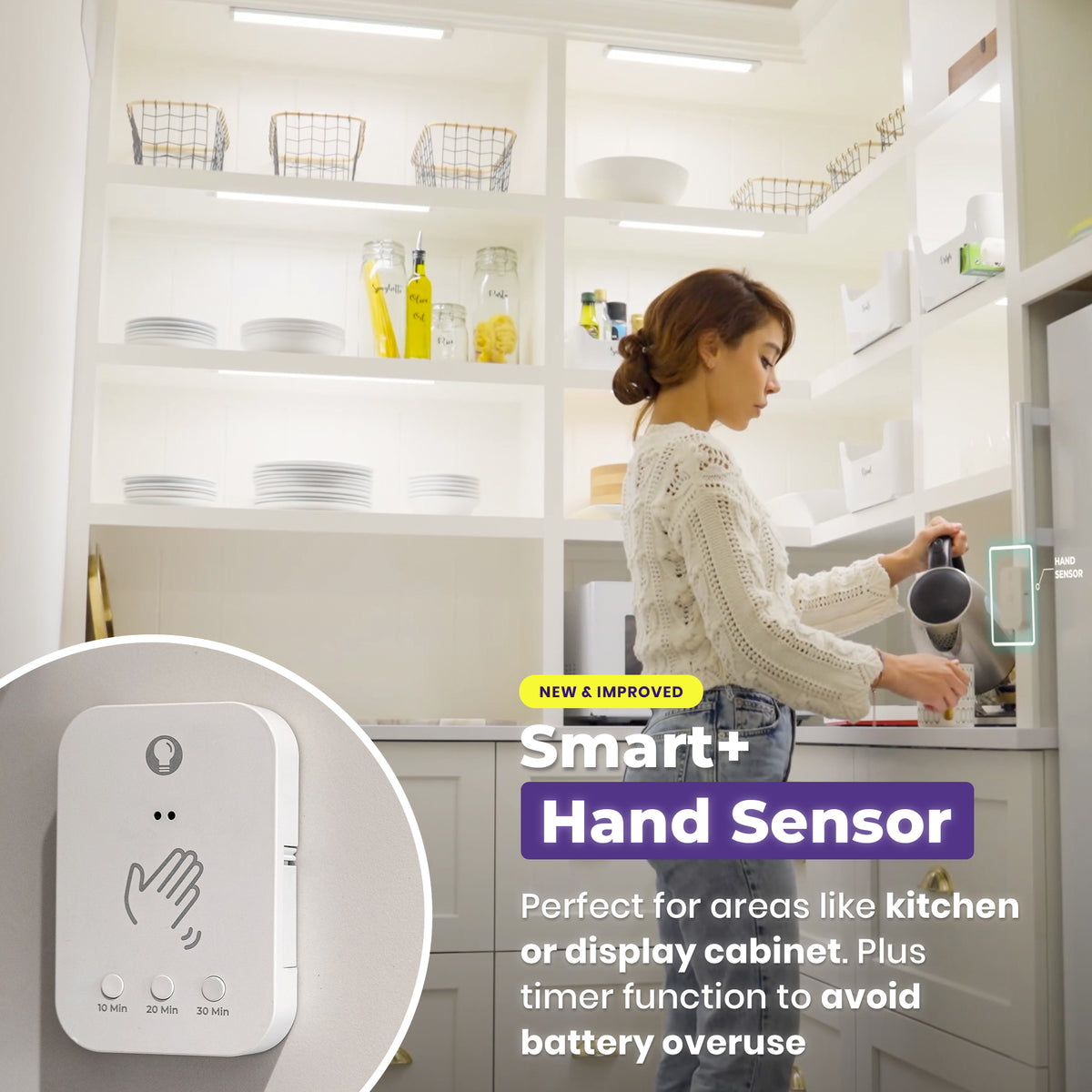
Free Smart+ Hand Sensor
Smart+ Remote
Full control of your Smart+ Aura Beam from anywhere in the room — including FlowColor™ themes, something no sensor can switch.
⚠️
Not compatible with Halo Lux, Everywhere Light, or Pro COB Lightstrip.
On/off, brightness & color temp
Changes FlowColor™ themes — sensors can't
One remote, all your Aura Beams
Works beside the sensors — no conflict
No app, no WiFi
💡 Ordering 2 or more Aura Beams? The Smart+ Remote is included free with your order — no separate purchase needed.
$0.00
Free Shipping
30-Day Money Back
Secure Checkout
How It Works on the Aura Beam
Pair it once and every key just works. Here's each one in action.
Step 1 · Pair
Pair the Remote
1On the light, press & hold the “” for 3 seconds — the light blinks.
2Within 10 seconds, then press & hold the remote’s “”.
Light goes steady, then fades off — paired.
💡 A single remote can run multiple lights — just pair each light in turn.
↩️ Unpair: on the light, press & hold the “” for 7 seconds. The light brightens, then fades out.
Color Temperature
Warm to Daylight
Tap to cycle: Warm (2700K) → Natural (4000K) → Daylight (6500K).
Then press & hold ‹·· / ··› to glide between warm and cool.
Brightness
Brighten or Dim
Press & hold Brightness + or − to adjust, then release to lock it in.
Color Theme
Five Themes, a Single Tap
Tap to cycle: Aurora → Sunset → Forest → Ocean → Carnival.
Then tap ‹·· / ··› to move back and forth through the themes.
Lighting Modes
Change the Effect
Tap to cycle: Breathing → Music Sync → Steady.
💡 Works with both white light and color theme.